AI Voice Cloning for YouTube: Create Studio-Quality Voiceovers Without a Microphone
You have the video idea, the script is ready, the visuals are edited, and then you reach the part that can stop the whole project: the voiceover. Your room is noisy. Your microphone is basic. You do not want to record the same paragraph fifteen times. Or perhaps you simply do not want to be the voice behind every video.
AI voice cloning changes that workflow. With the right setup, you can create a consistent voice from a clean recording, turn a written script into spoken audio, and make revisions without reopening your recording software. For YouTubers, this is less about replacing creativity and more about removing one of the most repetitive parts of production.
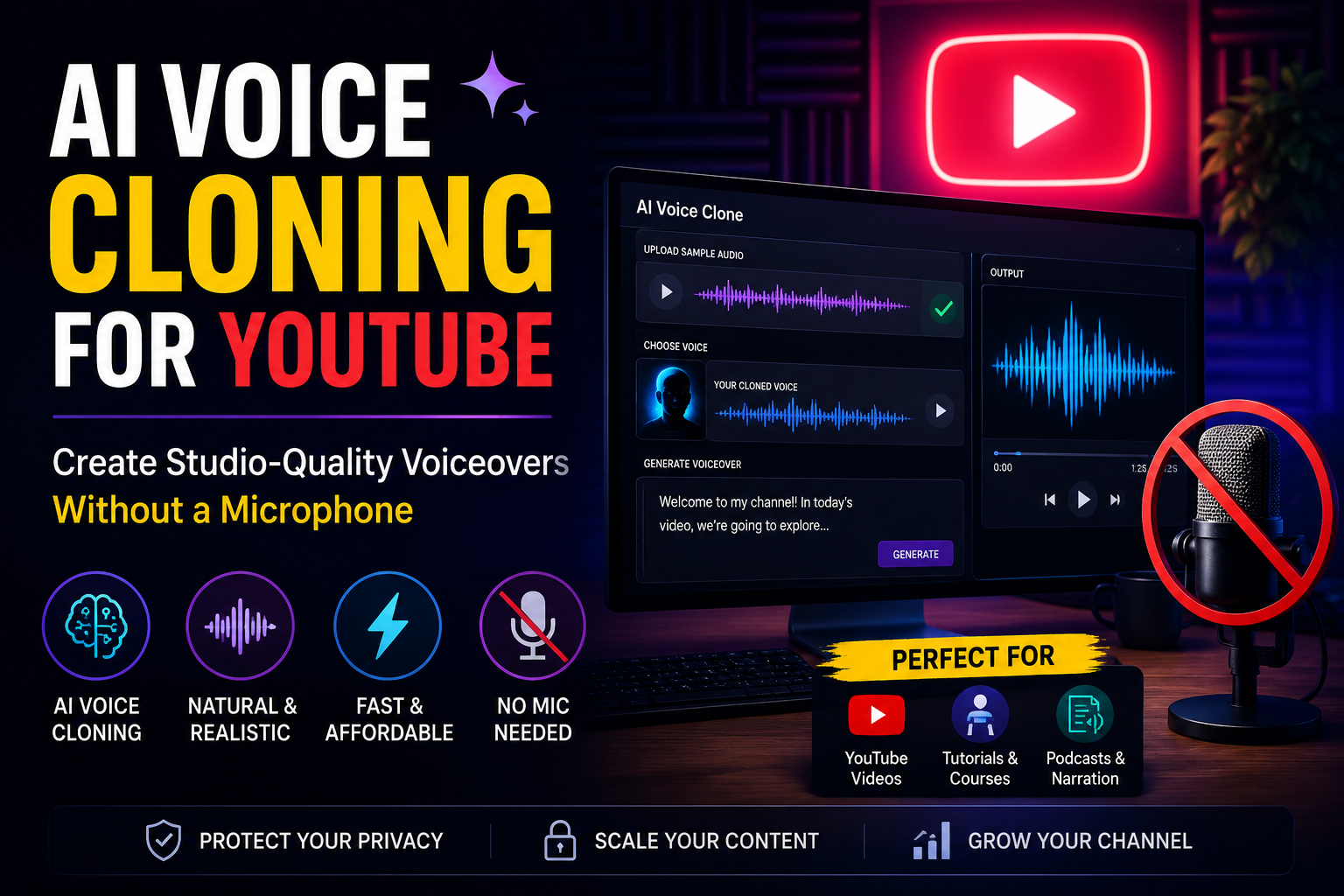
1. Why YouTube Creators Are Turning to AI Voiceovers
The hidden time cost of recording
A five-minute YouTube video does not necessarily require only five minutes of voice recording. You may need multiple takes, pronunciation fixes, pauses, retakes after editing changes, noise removal and final volume adjustments.
Now imagine publishing three videos every week. If each finished video needs five minutes of narration and you spend four times that duration recording and correcting it, you can easily spend an additional hour per week on voice production alone.
AI voice generation changes the equation. Once your script is ready, the narration can be generated, reviewed and revised without setting up a microphone each time.
Consistency matters more than expensive equipment
A premium microphone cannot fix an inconsistent recording environment. Different rooms, microphone distances and recording levels can make two videos from the same channel sound noticeably different.
A cloned voice gives creators another way to maintain a recognizable narration style. The same voice can be used across explainers, tutorials, product videos, Shorts and documentary-style content.
YouTube is already a scale game
YouTube has more than 2 billion logged-in users visiting the platform each month. At that scale, production speed matters. A creator who can move from idea to finished video faster has more opportunities to test subjects, formats and titles.
AI voice cloning is most useful when it removes repetitive production work while leaving the creative decisions with you.
2. What AI Voice Cloning Actually Does
From a voice sample to a reusable voice
Voice cloning uses a reference recording to create a digital representation of vocal characteristics such as timbre, pronunciation patterns and other acoustic traits. A text-to-speech system can then generate new speech based on written input.
The important distinction is that voice cloning and ordinary text-to-speech are not the same thing. Standard TTS normally gives you a selection of prebuilt voices. Voice cloning attempts to reproduce the characteristics of a specific authorized speaker.
Why recording quality still matters
You do not need a recording studio, but your reference audio should be clean. Background music, strong echo, fan noise and multiple speakers can make it harder for a voice model to learn the characteristics you want.
A practical recording target is a quiet room, stable microphone distance, natural speaking pace and clear pronunciation. Even a modern smartphone can produce useful reference audio when the environment is controlled.
The difference between cloning and impersonation
Responsible voice cloning requires permission. Your own voice is the simplest example. If you are producing content for another person, obtain explicit authorization before creating or distributing a cloned version of their voice.
The easiest voice to clone responsibly is the voice you own or have clear permission to use.
A simple workflow
- Record a clean reference sample.
- Create or select the authorized voice profile.
- Write and edit your YouTube script.
- Generate the narration.
- Review pronunciation, pacing and emphasis.
- Export the audio and place it on your video timeline.
3. How to Create a Studio-Quality YouTube Voiceover
Step 1: Write for the ear, not the screen
A script written for reading can sound stiff when spoken aloud. Shorter sentences usually work better. Use contractions where appropriate, avoid unnecessarily complex clauses and write numbers in a way that makes pronunciation obvious.
For example, instead of writing “The company achieved a 37.5% increase in annual revenue,” you might write “The company increased its annual revenue by thirty-seven point five percent.” The second version gives a voice system clearer spoken intent.
Step 2: Control pacing
Good narration is not simply fast or slow. It has rhythm. Give important statements breathing room. Keep transitions moving. Avoid filling every second with speech.
Step 3: Review the audio before editing the video
Listen to the complete generated track before placing it into your timeline. Check proper nouns, technical terms, numbers, abbreviations and words that can have multiple pronunciations.
| Voiceover factor | What to check |
|---|---|
| Pronunciation | Names, brands, technical words |
| Pacing | Fast enough to hold attention, slow enough to understand |
| Volume | Consistent loudness from beginning to end |
| Pauses | Useful breaks around important ideas |
Step 4: Mix the voice with the video
Studio quality is not only about the generated voice. Music, sound effects and narration need to coexist. Keep background music below the speech, remove unnecessary effects during important explanations and listen on both headphones and ordinary speakers.
4. AI Voice Cloning vs. Traditional YouTube Recording
When a microphone still wins
Live personality content, interviews, emotional storytelling and videos where facial expression and spontaneous delivery are central can benefit from real recording. Your natural performance contains small variations that can be difficult to reproduce intentionally.
When AI voice generation is more practical
AI narration is particularly useful for faceless channels, tutorials, product explainers, software walkthroughs, list videos, educational content and channels that need frequent revisions.
| Approach | Main advantage | Best for |
|---|---|---|
| Live recording | Natural personal performance | Vlogs, interviews, personality channels |
| Standard TTS | Fast access to ready-made voices | General narration |
| Voice cloning | Reusable identity and consistency | Faceless channels, tutorials, explainers |
The hybrid workflow
Many creators do not have to choose one method permanently. You can use a cloned voice for regular educational videos and record yourself for major announcements, live content or personal stories.
5. Real-World YouTube Workflows and Examples
Example: a faceless technology channel
Imagine a creator publishing three technology videos every week. Each script is around 1,200 words. Instead of recording three complete videos, the creator writes the scripts, generates narration, reviews the audio and spends the saved time researching visuals and improving the edit.
At three videos per week, that is approximately 156 videos per year. Even saving 30 minutes of recording and retake time per video would represent about 78 hours per year.
Example: software tutorials
Software changes quickly. A tutorial published today may need a revised sentence next month because a button moved or a feature changed. With traditional recording, a tiny script revision can mean reopening the microphone and matching the original recording environment.
Example: multilingual channels
A creator with a successful English channel may want to reach Hindi, Spanish or other language audiences. AI speech technology can make localization faster, although quality checks by native speakers remain important.
The numbers behind the workflow
Consider a creator publishing 4 videos per week. That is 208 videos per year. If AI-assisted narration reduces average voice production time from 45 minutes to 15 minutes per video, the theoretical saving is 104 hours per year.
6. Choosing Between VoxClone AI and Other Voice Platforms
The major options
The AI voice market includes established cloud platforms and specialist voice companies. Google Cloud Text-to-Speech, Microsoft Azure Speech, Amazon Polly, OpenAI audio models, ElevenLabs and Murf provide different combinations of voices, languages, controls and pricing.
| Platform | Typical strength | What creators should evaluate |
|---|---|---|
| VoxClone AI | AI voice cloning and TTS workflows | Voice quality, workflow speed and creator needs |
| ElevenLabs | Expressive voices and voice creation | Voice selection, languages and latency |
| Google Cloud | Cloud-scale speech services | API integration and cloud requirements |
| Microsoft Azure | Enterprise speech and customization | Enterprise features and deployment |
| Amazon Polly | AWS ecosystem integration | AWS architecture and voice requirements |
| Murf | Creator-focused AI voice production | Editing workflow and voice catalog |
What YouTube creators should actually compare
- Voice similarity: Does the generated voice sound convincingly like the authorized speaker?
- Pronunciation: Can the system handle your niche vocabulary?
- Editing speed: How quickly can you regenerate one paragraph?
- Language support: Can you expand into additional audiences?
- Commercial usage: Does the plan allow the way you intend to publish the content?
- Consistency: Does the voice remain suitable across long-form videos and short clips?
Why workflow matters
A technically impressive voice is not enough if producing one video requires ten different tools. The best choice is often the platform that fits naturally into the creator's existing script, editing and publishing process.
For creators exploring that workflow, VoxClone AI can be part of an AI voice creation workflow focused on turning written content into reusable voice-driven media.
7. Challenges, Ethics and the Next Three Years
The biggest challenge is trust
A cloned voice can sound convincing. That creates a responsibility for creators. Never clone another person's voice without permission, and do not use synthetic speech to misrepresent who is speaking.
Creators should also check YouTube's current policies and applicable laws when publishing synthetic or altered media because platform requirements can change.
Quality will continue improving
Over the next two to three years, expect better pronunciation, more expressive delivery, faster generation and stronger control over pacing. Voice systems are moving beyond the question “Can this sentence be spoken?” toward “Can this sentence be delivered appropriately for this moment?”
Voice localization will become easier
A single video could increasingly support several localized audio tracks without requiring the creator to manually record each version. That could make international audiences more accessible to smaller channels.
Creators will focus more on creative direction
As narration becomes easier to generate, the scarce resource shifts toward research, storytelling, editing, thumbnails, audience understanding and original ideas.
When voice production becomes easier, the quality of the idea becomes even more important.
8. A Practical YouTube Voice-Cloning Checklist
Before generating your first video
- Choose a voice you own or have explicit permission to use.
- Record a clean reference sample in a quiet environment.
- Write your script specifically for spoken delivery.
- Mark names, numbers and technical terms that require pronunciation checks.
- Generate the narration in manageable sections.
- Listen to the complete voiceover before beginning the final edit.
- Balance narration, music and sound effects.
- Keep the original script and generated audio organized so future revisions are easy.
A simple quality test
Before publishing, listen without watching the screen. If the narration still makes sense, the pacing feels natural and important points are easy to understand, your voiceover is doing its job.
Then watch the video with the sound on. Check whether the narration actually matches the visuals. Good voice production should support the edit, not compete with it.
The biggest productivity opportunity
Do not use AI voice cloning simply because it is new. Use it where it saves meaningful time. If your channel requires frequent narration, repeated revisions or multiple language versions, the benefit can compound quickly.
The best AI voice workflow is the one that gives you more time to make better videos.
9. Conclusion: Your Microphone Does Not Have to Be the Bottleneck
YouTube creators have more options for voice production than ever. A microphone and a quiet recording space remain valuable, especially for personality-driven content. But they are no longer the only route to consistent narration.
AI voice cloning can turn an authorized voice into a reusable production asset. You can write a script, generate narration, correct individual sections and keep your channel's voice consistent without recording every sentence from scratch.
The technology is especially useful for faceless channels, tutorials, educational videos, software explainers and creators who publish frequently. The real advantage is not that AI can speak. It is that your production workflow can become faster and easier to revise.
As voice models become more expressive and multilingual, creators will have even more control over how their stories are delivered. The creators who benefit most will be the ones who treat AI voice as a production tool rather than a substitute for original thinking.
Hashtags
#AIVoice #VoiceCloning #YouTubeCreators #YouTubeAutomation #TextToSpeech #VoiceAI #AIVoiceover #ContentCreation #YouTubeTips #GenerativeAI #CreatorTools #VoxCloneAI